Close SU
This option allows you to close a specific SU. Closed SU are not displayed on SU lists on transactions, and it is impossible to use them anymore. Once the SU is closed, it cannot be opened again.
-
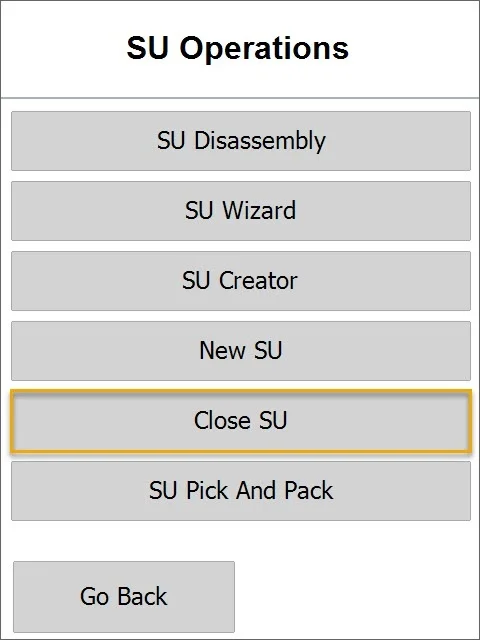
To use the option, choose it from SU options:
-
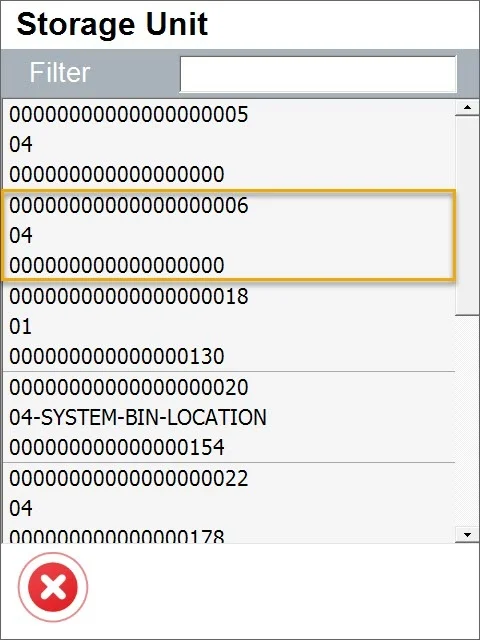
Choose an SU that you want to close from the list:
-
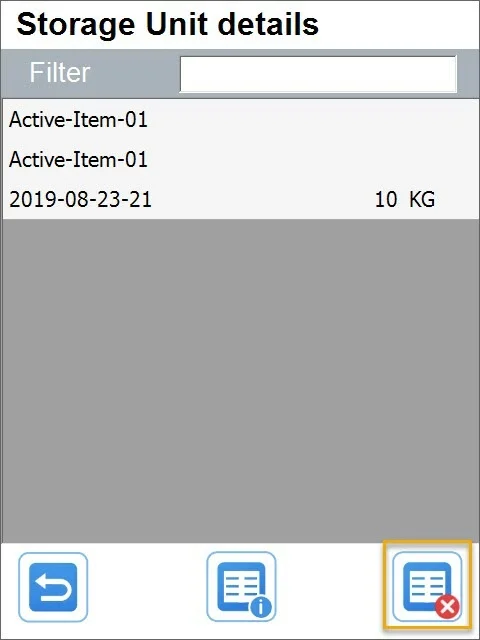
Storage Unit details screen is open:
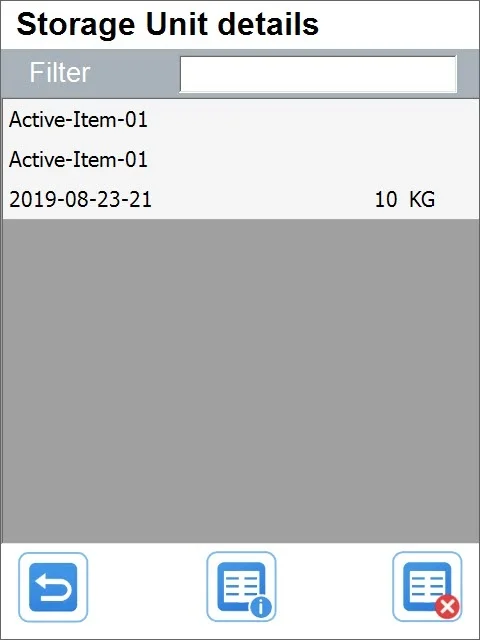
Item rows display the following information: Item name and code, quantity, and Unit of Measurement.
-
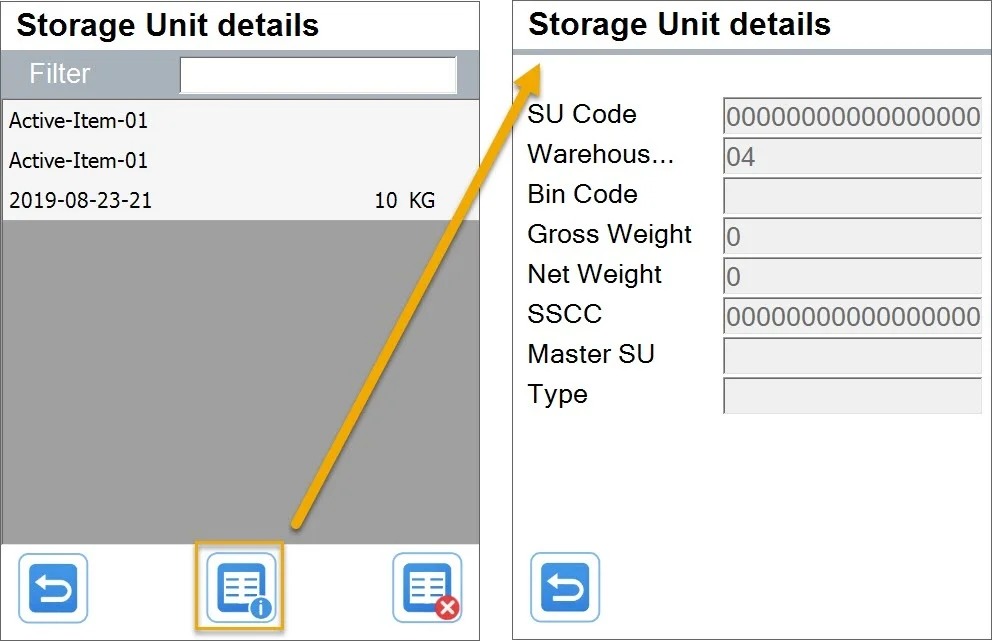
You can check specific Storage Unit details by clicking the icon:
-
To close SU, click the icon:
Confirm the decision in a pop-up message:
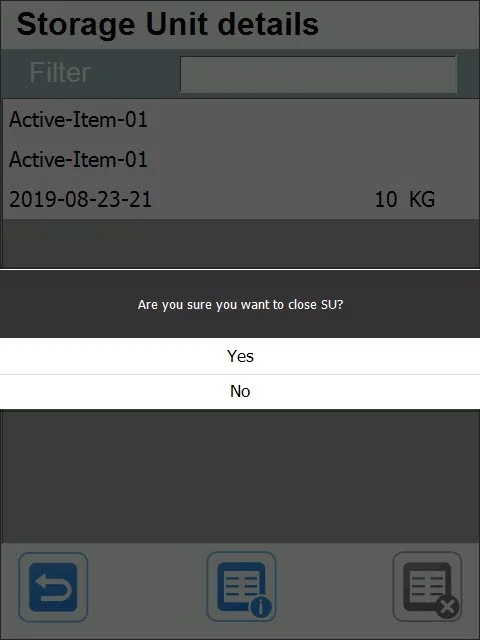
The SU is now closed.