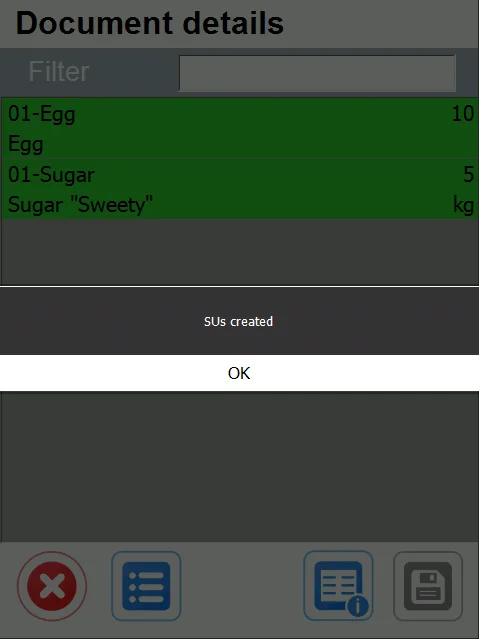
New SU
-
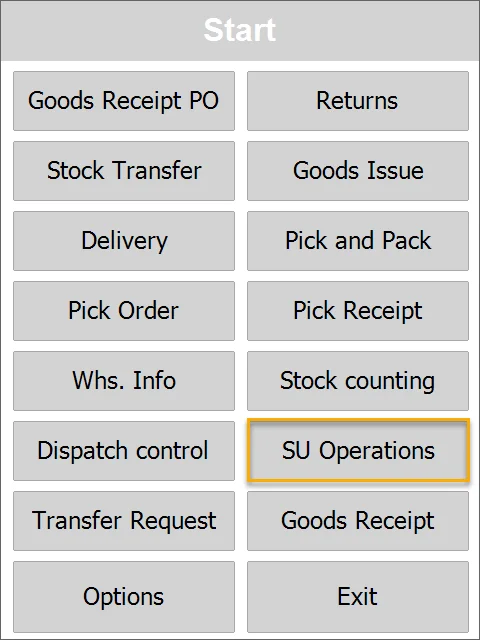
Select SU Operations from the Main Menu.
-
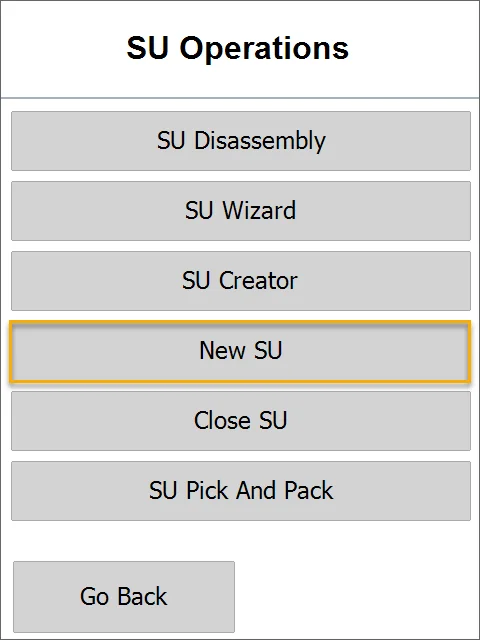
Select New SU.
-
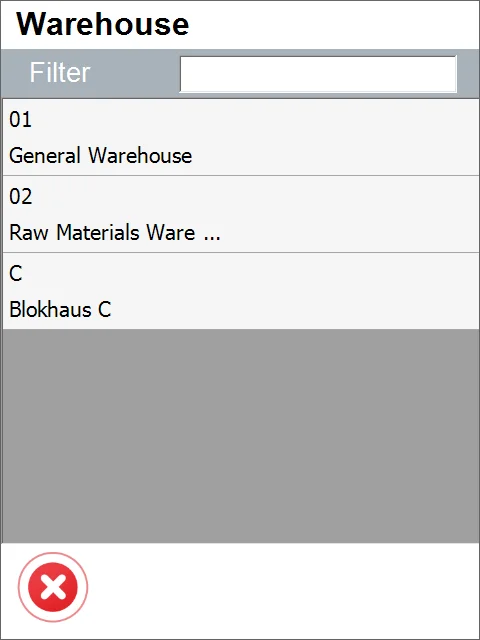
Choose a Warehouse in which a Storage Unit will be created.
-
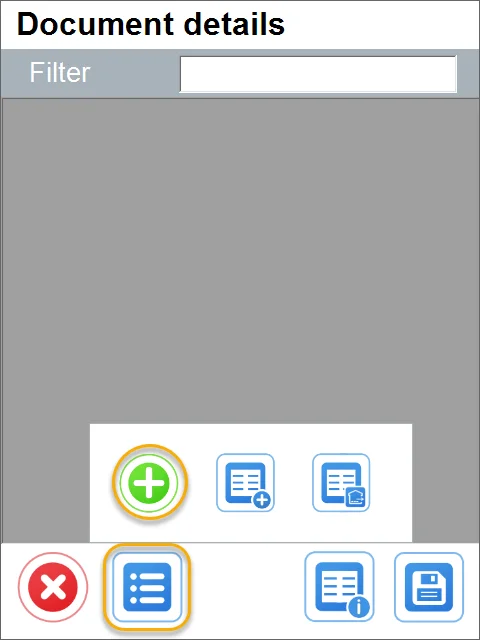
Document Details form will be opened. You can add Items that must be included in the created Storage Unit. Click the '+' icon to add Items.
-
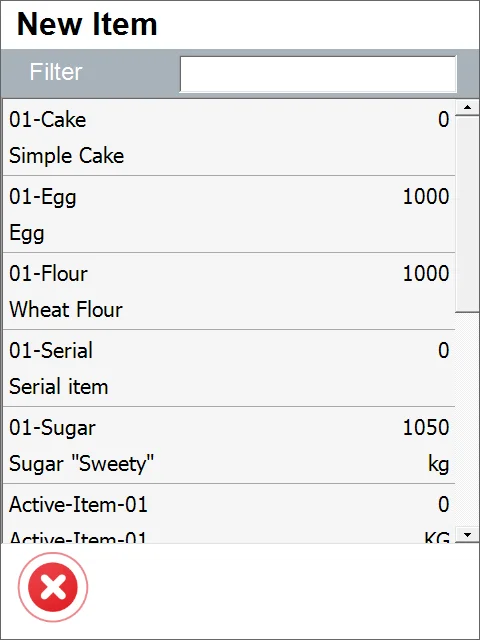
The Item Selection form will be opened. Choose an Item required to be included in the created Storage Unit.
-
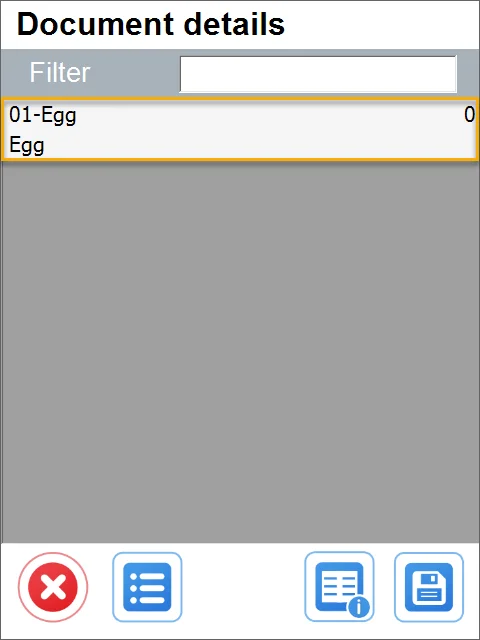
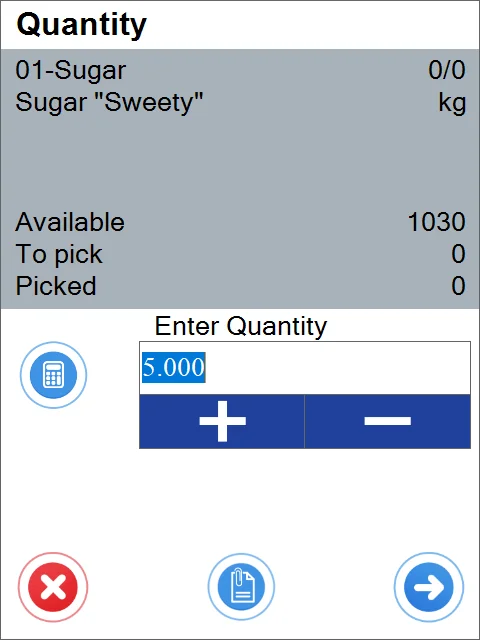
Set the quantity for the chosen Item and click the 'Next' icon.
-
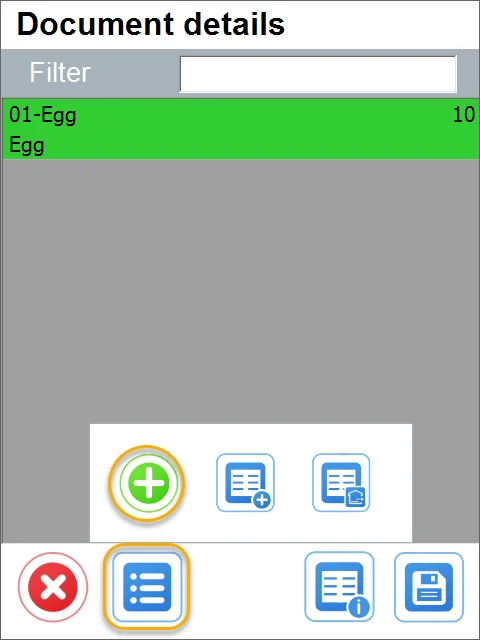
Similarly, you can add another item and its quantity.
-
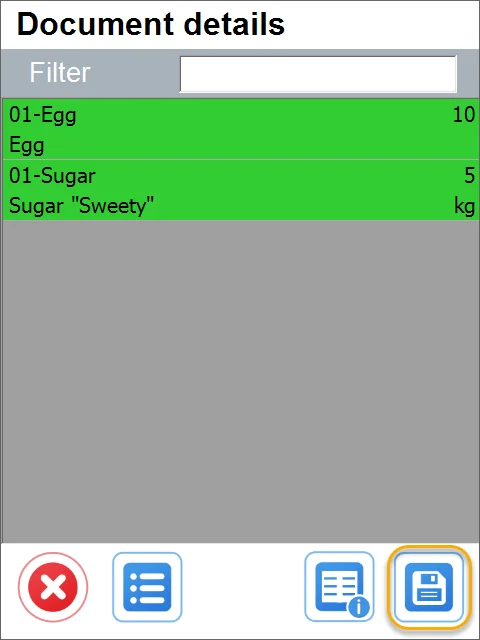
Click the 'Save' icon after choosing Items required for SU and its quantity:
-
A new SU is created.